
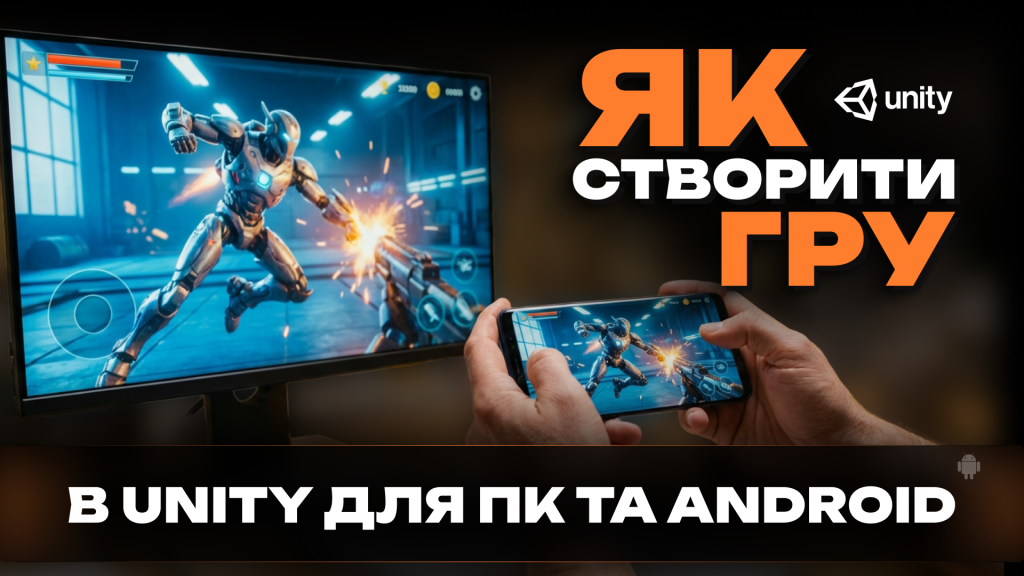
Many beginners dream about making their own video game but do not know where to start. The good news is that today it is possible to use Unity to create a game even with minimal experience. This engine is widely used both by indie developers and large studios, and it allows you to build projects for multiple platforms, including PC and Android.
If your goal is to create a game on PC and also try mobile development, Unity provides a flexible environment that supports both directions. Moreover, game creation for children has become increasingly popular, as educational programs and beginner-friendly tools make the learning process accessible and engaging.
Why Unity Is a Great Choice for Beginners and Children
When people search for how to use Unity to create a game, they often look for a tool that balances simplicity and professional capabilities. Unity offers an intuitive interface, visual scene editing, and scripting in C#. While programming may sound complicated, many beginner tutorials simplify the first steps.
For children, game creation is not only about entertainment but also about learning logic, creativity, and problem-solving. With proper guidance, even young learners can understand basic mechanics such as character movement, collision detection, and scoring systems.
Another advantage is cross-platform export. After finishing a project, you can create a game on PC and then adapt it for Android with additional optimization. This makes the development process efficient and scalable.
Step-by-Step Guide to Creating a Game in Unity
If you are starting from scratch, follow this structured approach:
- Install Unity and create a new project: Choose either a 2D or 3D template depending on your idea.
- Learn the interface: Understand scenes, GameObjects, components, and the Inspector panel.
- Add basic mechanics: Implement simple player movement and camera control.
- Design a small level: Use basic shapes and built-in assets to build your first playable scene.
- Test and improve: Play your game frequently to adjust controls and fix errors.
For children especially, it is important to keep projects small and fun. A simple platformer, maze game, or obstacle runner is a perfect starting point. Completing a small project builds confidence and motivation.
Creating a Game for PC and Android
When you create a game on PC, you typically focus on keyboard and mouse controls. However, Android devices rely on touch input. This means you need to adapt your interface and control system when preparing an Android version.
Game creation for Android also requires optimization. Mobile devices have different performance limits compared to desktop computers. Reducing texture sizes, simplifying lighting, and minimizing unnecessary scripts will help maintain smooth gameplay.
The process of Android game creation in Unity involves switching the build platform inside the engine, configuring player settings, and exporting the project as an APK or app bundle. Testing on a real device is strongly recommended to ensure compatibility and performance stability.
Encouraging Creativity and Long-Term Learning
Game creation for children can become an educational journey into technology and digital creativity. With supervision and structured tutorials, young developers can gradually move from simple drag-and-drop mechanics to writing their own scripts.
Adults who begin with Unity to create a game often discover that development combines art, programming, and design into one creative process. The skills gained during early projects can later evolve into more advanced knowledge of optimization, animation systems, and user interface design.
Whether your goal is to create a game on PC, experiment with Android game creation, or introduce children to interactive development, Unity provides a powerful starting point. The key is to begin with simple ideas, complete your first project, and continuously improve through practice.
With patience and curiosity, anyone can transform an initial concept into a playable game and take the first step into the world of interactive development.