
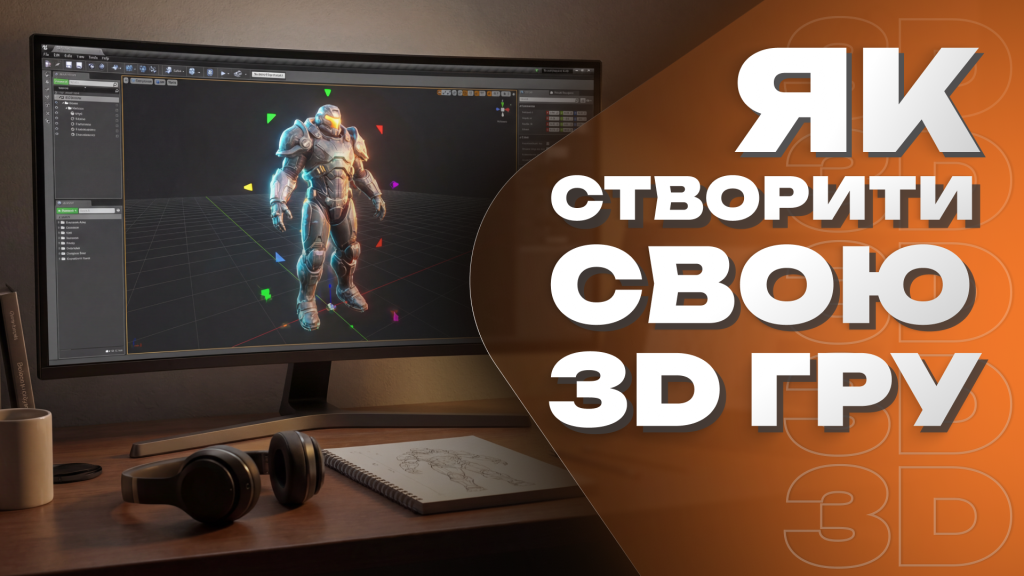
Many aspiring developers dream of building their first project but believe they need a powerful computer and years of experience. In reality, you can create a game on a phone or create a game online using accessible tools and beginner-friendly platforms. Modern technology allows almost anyone to create a 3D game without advanced programming knowledge.
If you want to create your own game on a phone, this guide will walk you through the essential steps — from idea to playable prototype. Whether you choose a mobile app or a browser-based platform, the development process follows the same core principles.
Step 1: Define Your Game Idea and Core Mechanics
Before you create a 3D game, you need a clear concept. Start small. Focus on one simple gameplay mechanic instead of trying to build a massive open world. A basic runner, platformer, puzzle, or arena shooter is a great starting point.
Ask yourself:
- What is the main objective of the player?
- What actions can the player perform?
- How does the player win or lose?
- Will the game be single-player or multiplayer?
Clarity at this stage will make development much easier. Many beginners fail not because of technical issues but because their project scope is too large.
Step 2: Choose the Right Tool to Create a Game on a Phone or Online
If you want to create a game on a phone, there are mobile applications that allow drag-and-drop design, visual scripting, and simple 3D scene building. These apps are ideal for experimenting with ideas directly from your smartphone or tablet.
If you prefer to create a game online, browser-based platforms offer editors that run without installation. You can access them from almost any device. They typically provide built-in templates, asset libraries, and export options.
When selecting a platform, consider the following factors:
- Ease of use: Beginner-friendly interface and tutorials.
- 3D support: Ability to work with 3D models and environments.
- Export options: Can you publish to Android, PC, or web?
- Community support: Active forums and documentation.
Even if you create your own game on a phone, understanding basic game design concepts such as collision detection, player input, and camera control will significantly improve your results.
Step 3: Build a Simple 3D Scene
To create a 3D game, you need a playable environment. Start with a simple scene: ground plane, player character, and a few obstacles. Avoid adding too many details at the beginning. Performance and clarity are more important than complexity.
Most tools allow you to:
- Add 3D objects from built-in libraries.
- Import simple models.
- Adjust lighting and camera angles.
- Configure physics settings.
Focus on making the core mechanic work smoothly. If your character jumps, ensure the jump feels responsive. If your game involves shooting, prioritize accurate input and clear feedback.
Step 4: Add Basic Logic and Interaction
Even if you do not write code, visual scripting systems allow you to define behavior. You can connect events such as “player touches object” or “timer reaches zero” to specific actions.
For beginners who want to create a game online, visual logic editors are especially helpful. They allow experimentation without the fear of syntax errors. As you gain confidence, you can gradually learn basic programming concepts to expand functionality.
Step 5: Test, Improve, and Optimize
Testing is essential when you create your own game on a phone. Mobile devices have limited performance compared to desktop computers, so optimization matters. Reduce unnecessary objects, simplify textures, and remove unused scripts.
Ask friends to try your game and collect feedback. Observe where players get confused or lose interest. Small adjustments in controls or level layout can dramatically improve the overall experience.
Final Thoughts
To create a game on a phone or create a game online is no longer a complicated technical challenge. Modern tools have lowered entry barriers and made 3D development accessible to beginners. The key is starting small, focusing on core gameplay, and learning step by step.
If you want to create a 3D game successfully, remember that practice matters more than perfection. Your first project does not need to be revolutionary — it needs to be finished. With consistency and curiosity, today’s small prototype can become tomorrow’s fully developed release.